01
Monitor the situations you define
Describe what matters. AI monitors your feeds against the tasks and rules you set.

Add AI to compatible cameras and VMS. Define what to watch for, receive alerts, and investigate events with the visual context your team needs.
Explore monitoring and review scenarios, then validate the workflow with your own cameras.
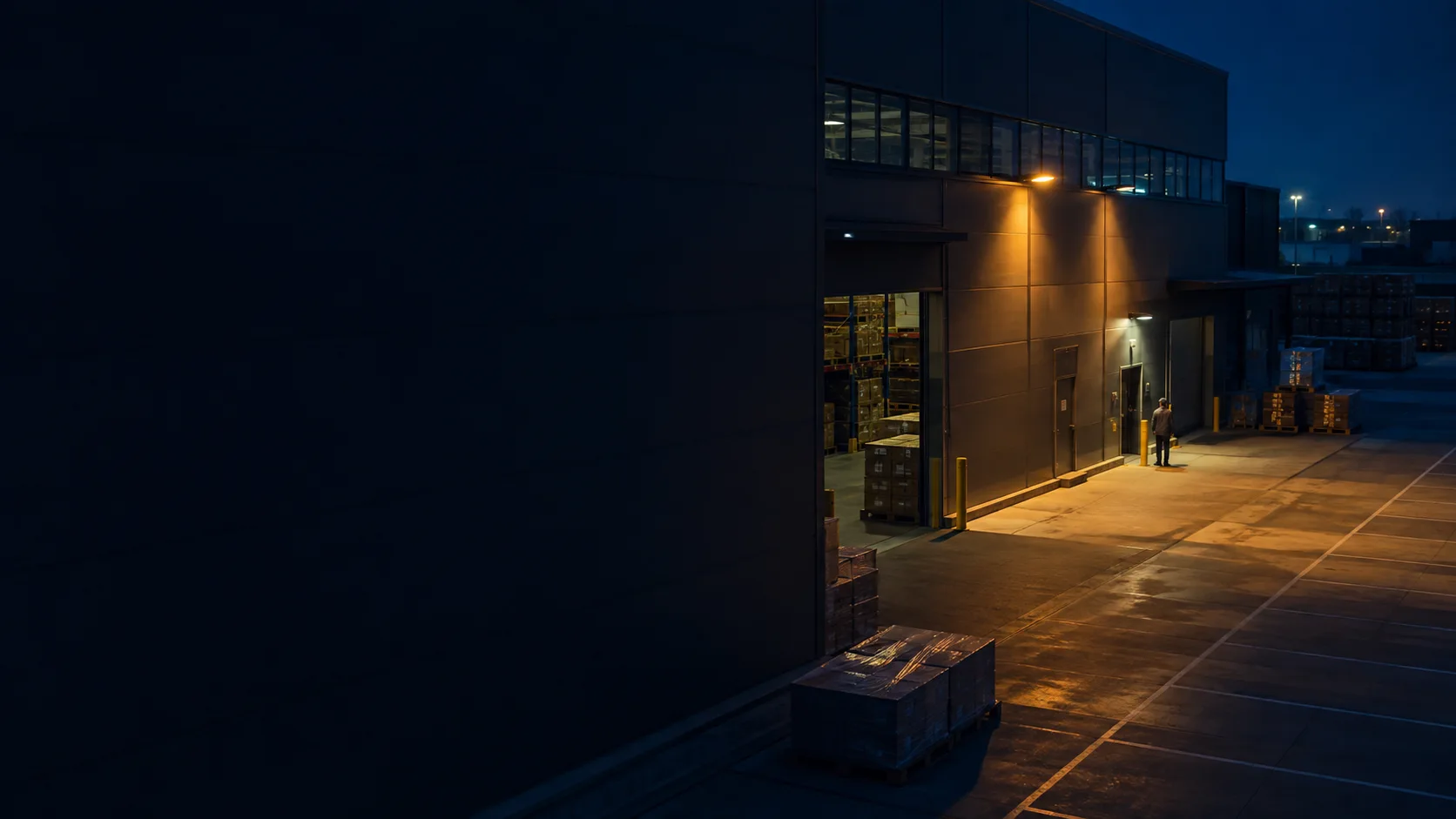
Define the hours and areas that matter. When relevant activity is surfaced, your team reviews the imagery and decides what happens next.
Deploying for a customer? Explore the integrator deployment pack
Tensor Dynamics × Taipei City Government Department of Transportation — evaluating traffic-event analysis using existing roadway video.
Talk to our team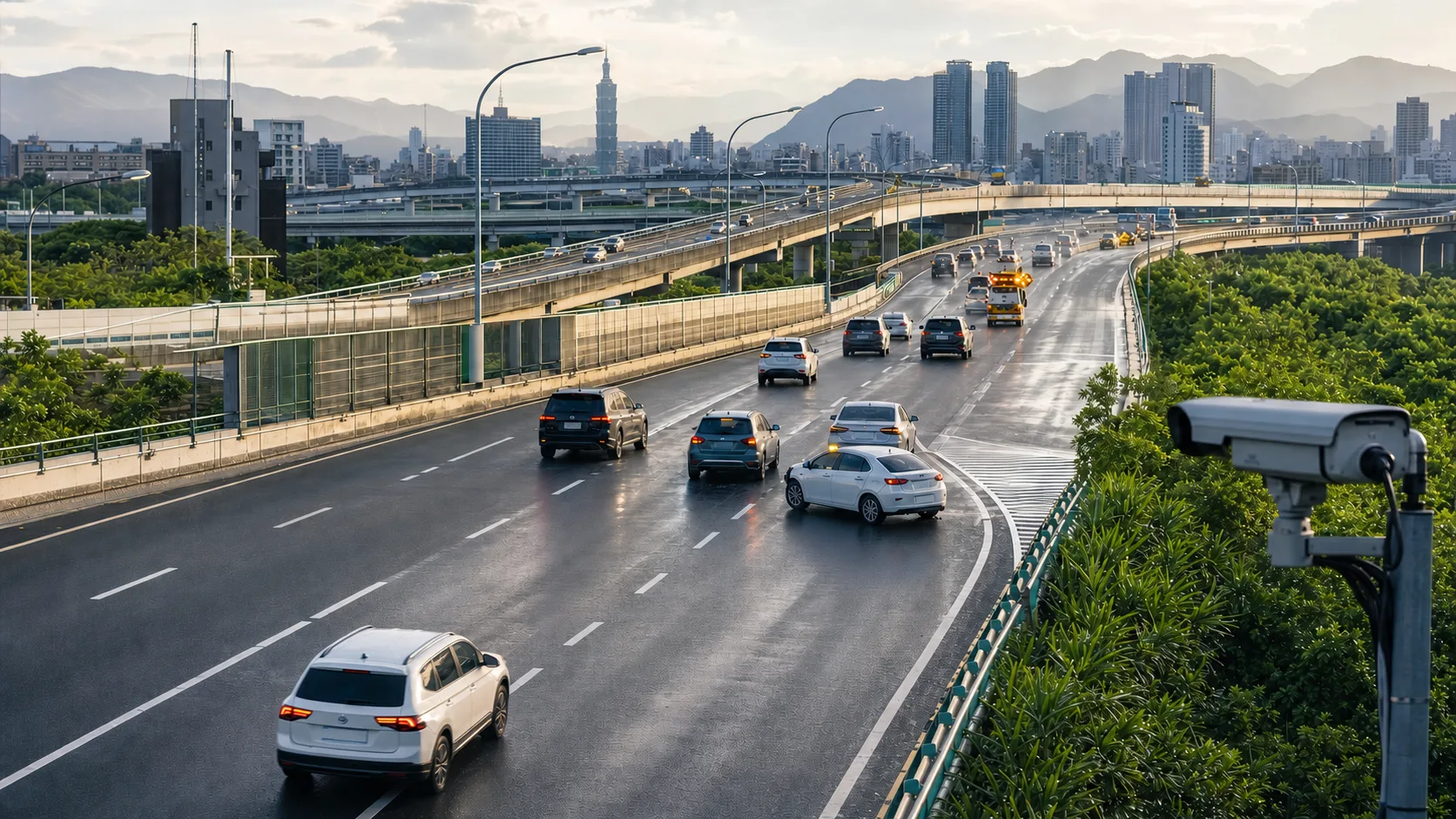
See your cameras, set monitoring tasks, and review the events with their images in one workspace.
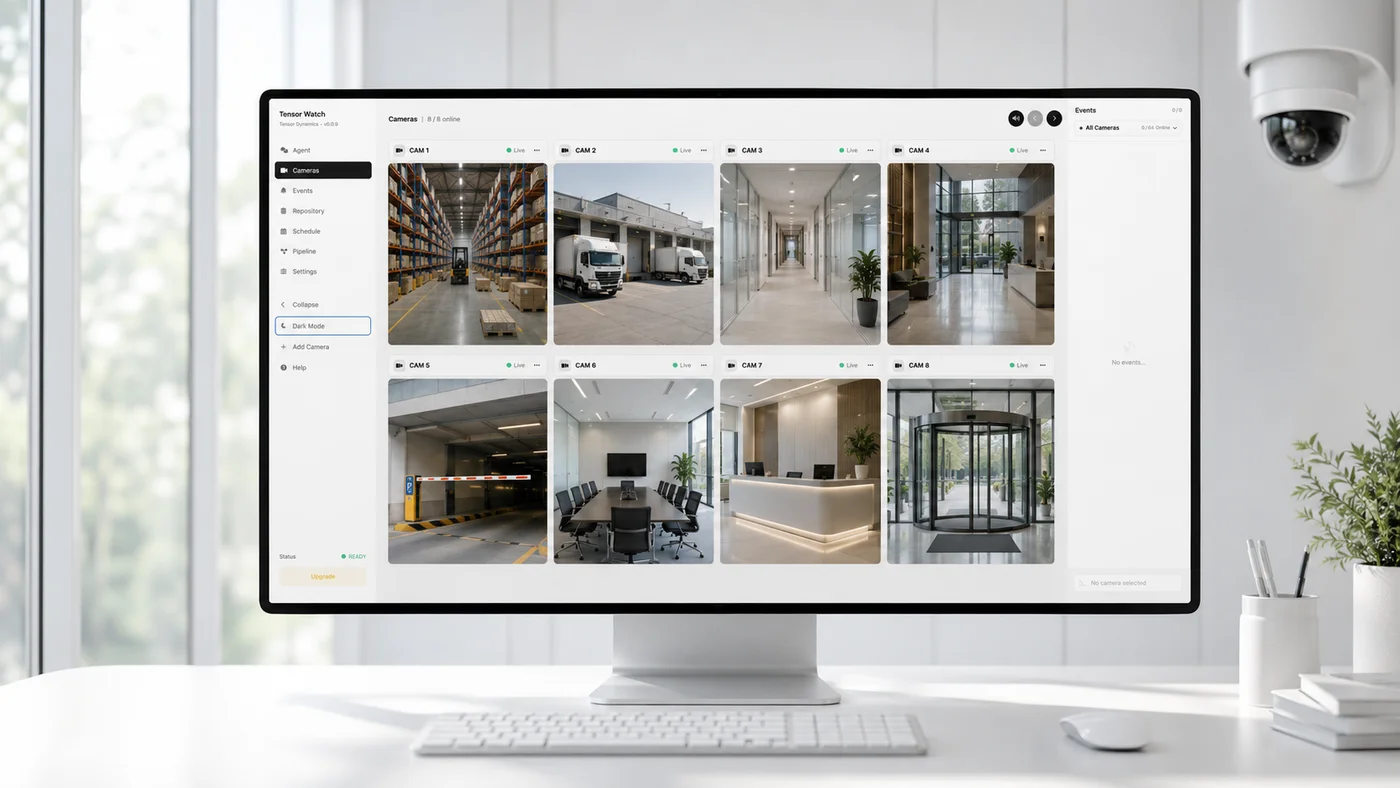
Describe what matters. AI monitors your feeds against the tasks and rules you set.
Connect nearby cameras, earlier footage, and event history to understand what happened.
Send the evidence to the tools your team uses. People stay in charge of the next step.
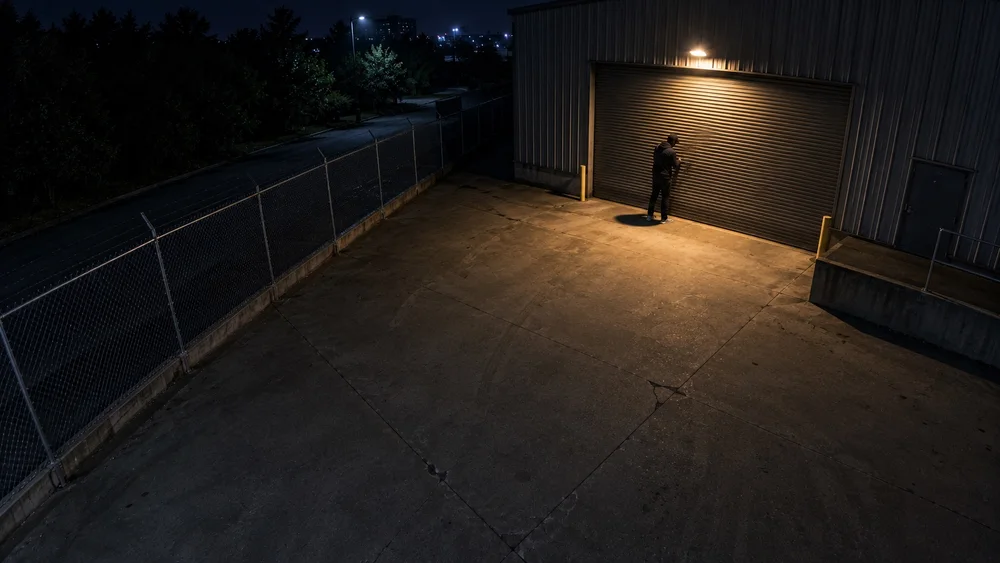
“Keep an eye on the back door tonight.” Set a task in your own words. Watch checks the context, gathers the evidence, and brings it to your attention.
From a single intersection to an entire campus. Put the same intelligence to work on the things that matter in your environment.
01Connect the dots across roads, public spaces, and critical infrastructure.
 02
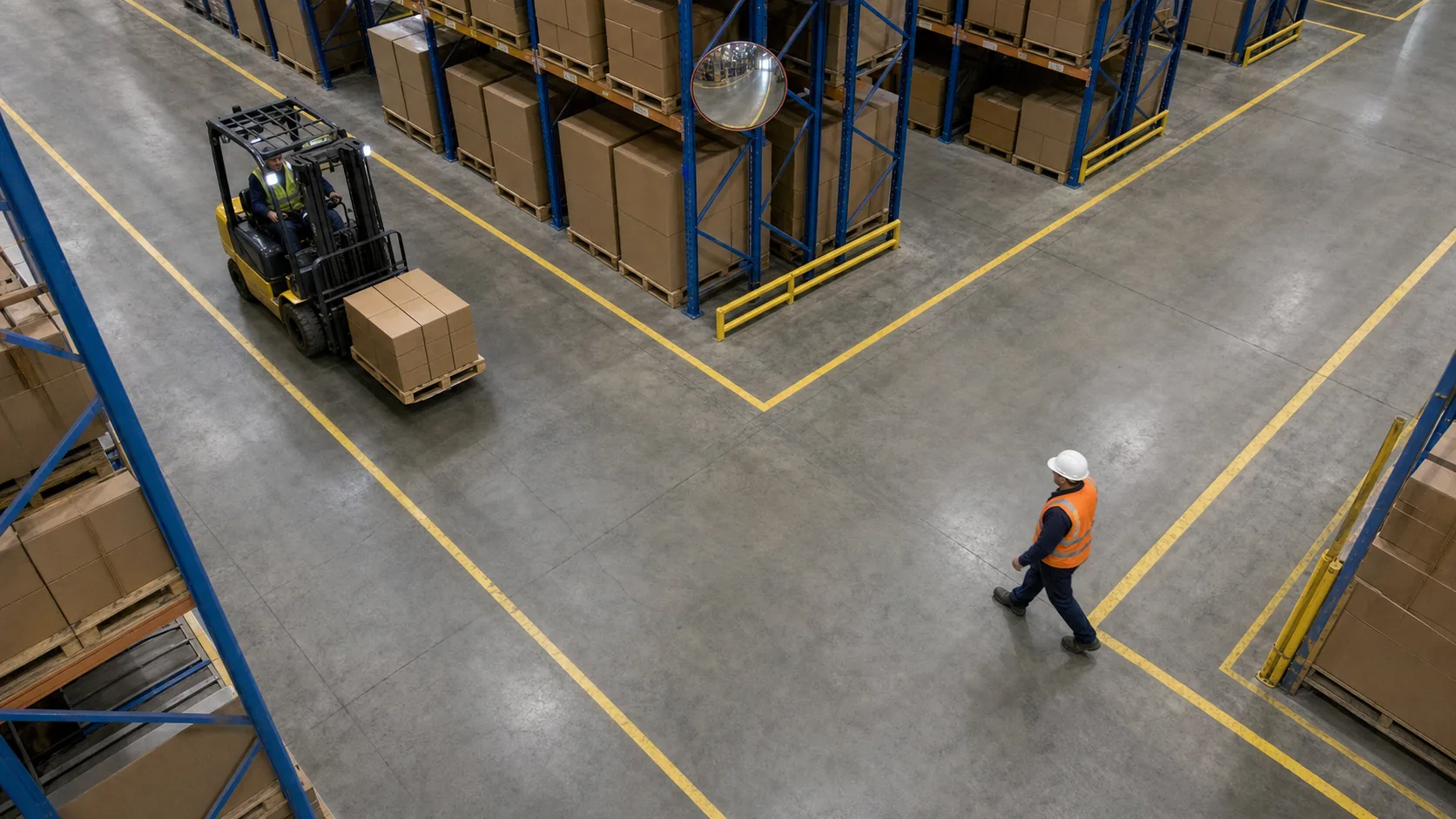
02Surface safety risks around people, vehicles, and restricted work areas.
 03
03Keep watch over entrances and perimeters, with evidence your team can review.
Illustrative scenarios, not recordings of real incidents.
Explore monitoring scenarios across 15 environments. Watch brings relevant footage and context to your team for review.
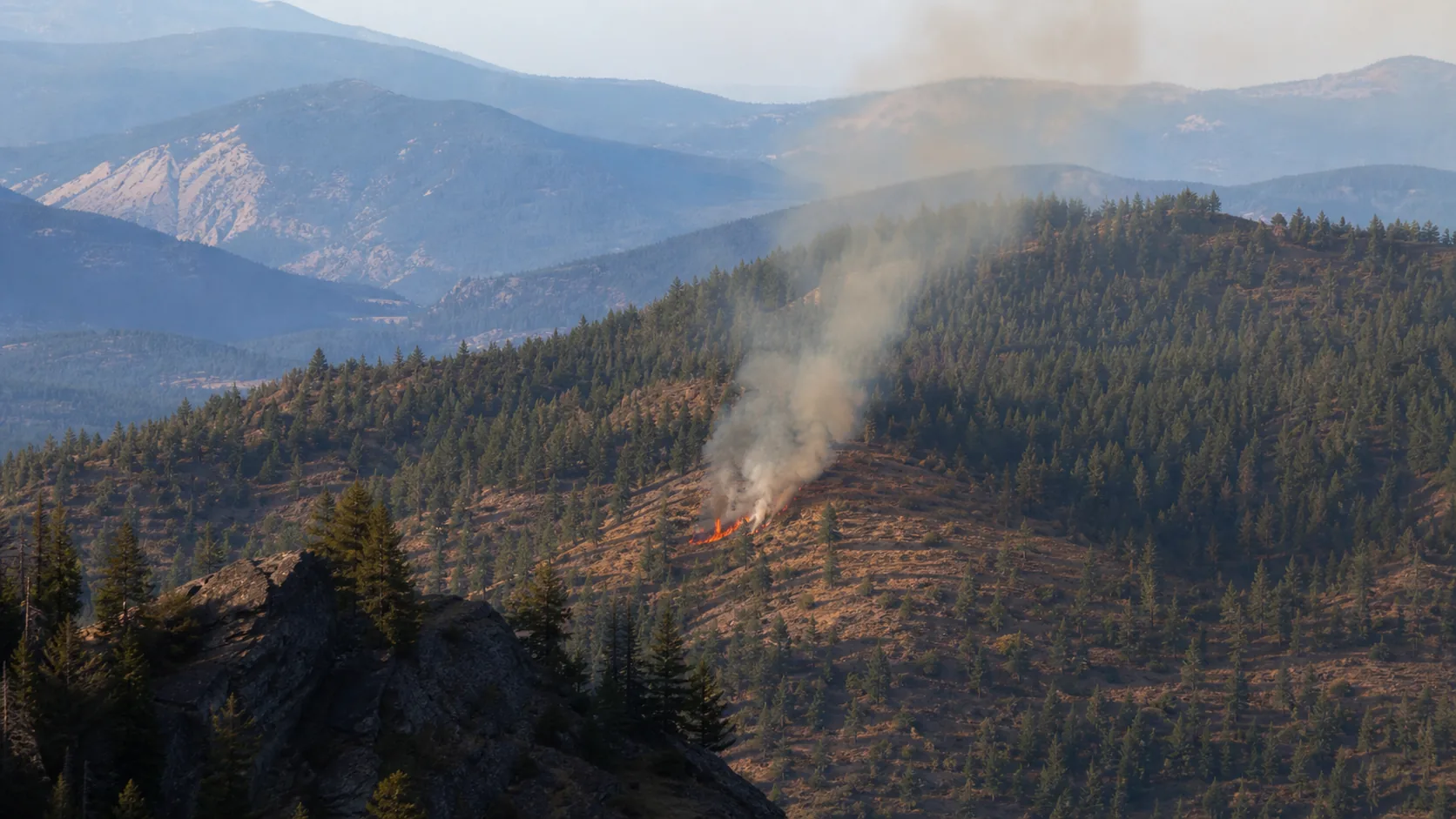
A localized fire and rising smoke are visible along the forest ridge.
Notify the fire response team with the location and supporting footage for verification.
An operator verifies the footage and local conditions before escalating the incident.
These are AI-made examples, not real events. A person must check any dangerous case.
Start with Watch, run Tensor Engine in your environment, or build intelligence directly into your own products.
Camera walls, natural-language tasks, incident investigations, and alerts in one place.
Open WatchRun AI on your hardware for private, offline, and data-residency needs. Capacity is validated at your site.
Explore private deploymentConnect incidents, evidence, and applications with REST APIs, signed webhooks, and MCP.
Explore the APIConnect compatible cameras. Set a task. Start with one validated site, with people always in control.
Get startedTry it for 14 days with the cameras you have. We check your gear and help you set it up.