AI-generated city panorama at blue hour
WATCH DESKTOP SOFTWARE

AI security camera
monitoring.

AI monitoring software for your compatible existing cameras. Set tasks, review image evidence, and bring important events to your team.

4 cameras · 14-day pilot · License after compatibility review
Illustrative scenario · AI-generated imageryMeet Watch
WATCH DESKTOP SOFTWARE

From a monitoring task to image evidence.

Try it on your cameras
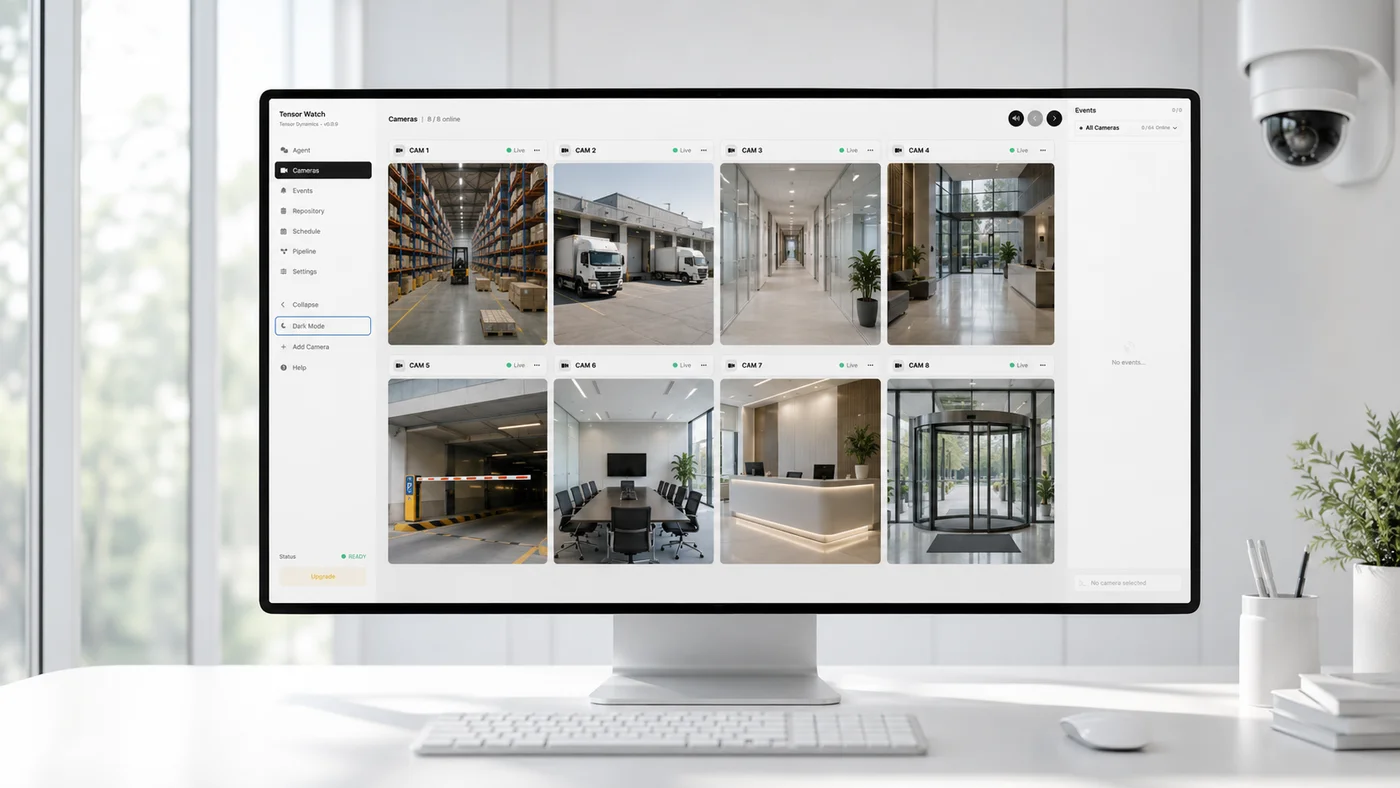
WatchPRODUCT VISUALIZATION
Watch camera-wall interface visualization
Example task“Watch for people at the back door after hours.”

Configure rules and hours for your site.

Illustrative workflow and interface. Configure and validate with your own cameras.
EXAMPLE USE CASES

Start with the events that matter.

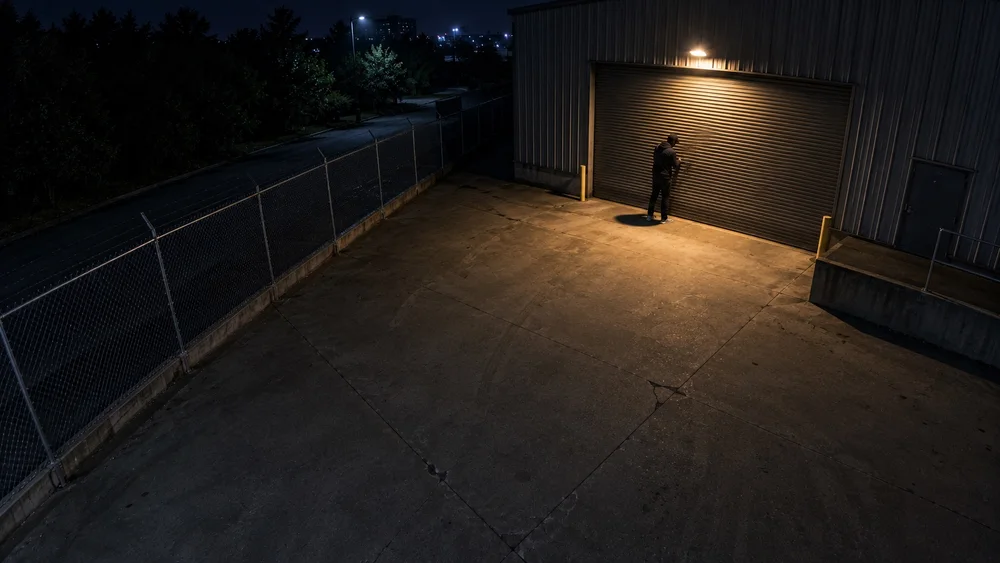
Illustrative loading dock at night

After-hours access

Bring activity at entrances and perimeters to the attention of your team.

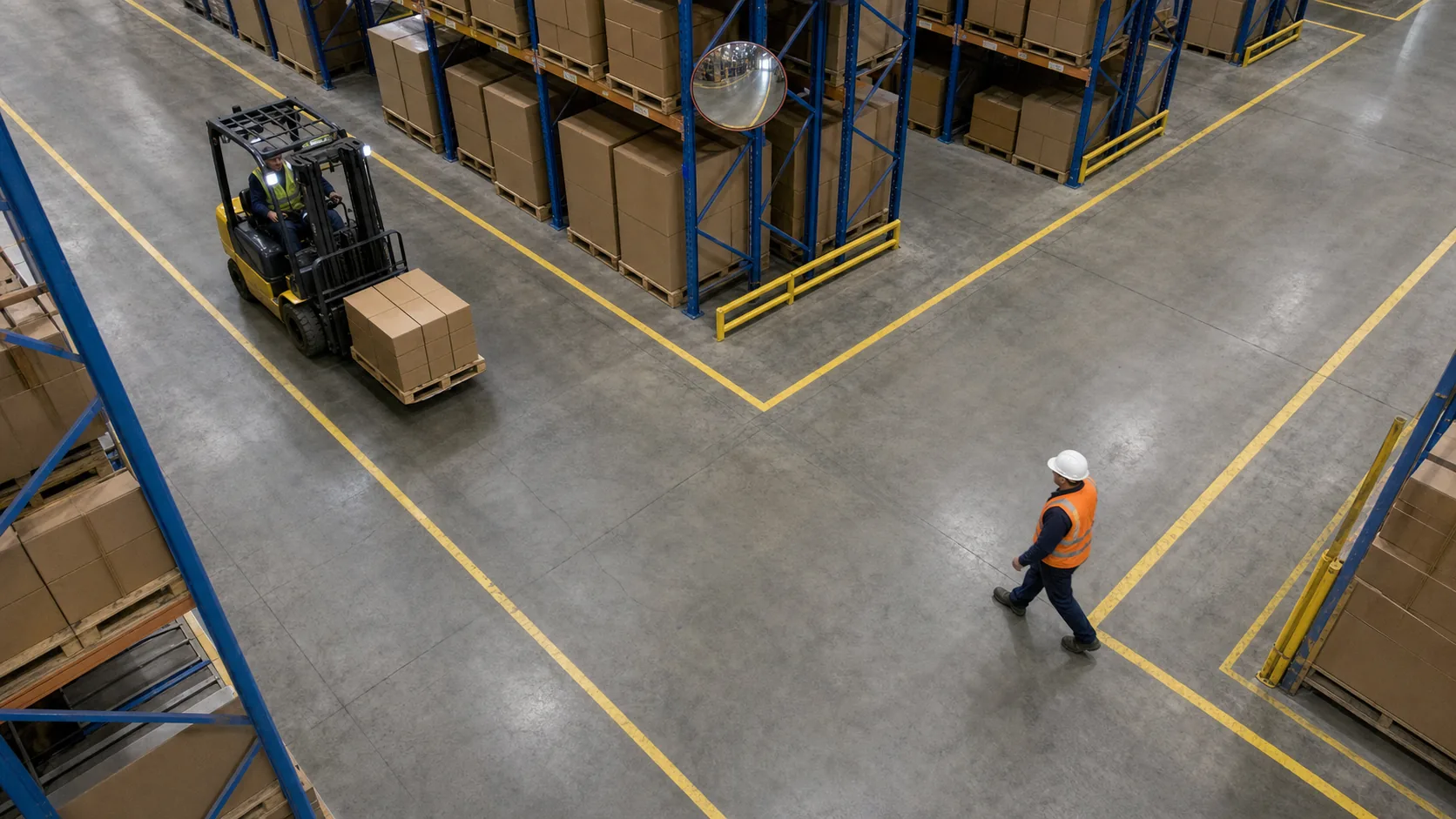
AI-generated warehouse safety scenario

Warehouses and loading docks

Set tasks for people, vehicles, and restricted areas. Review the related images.
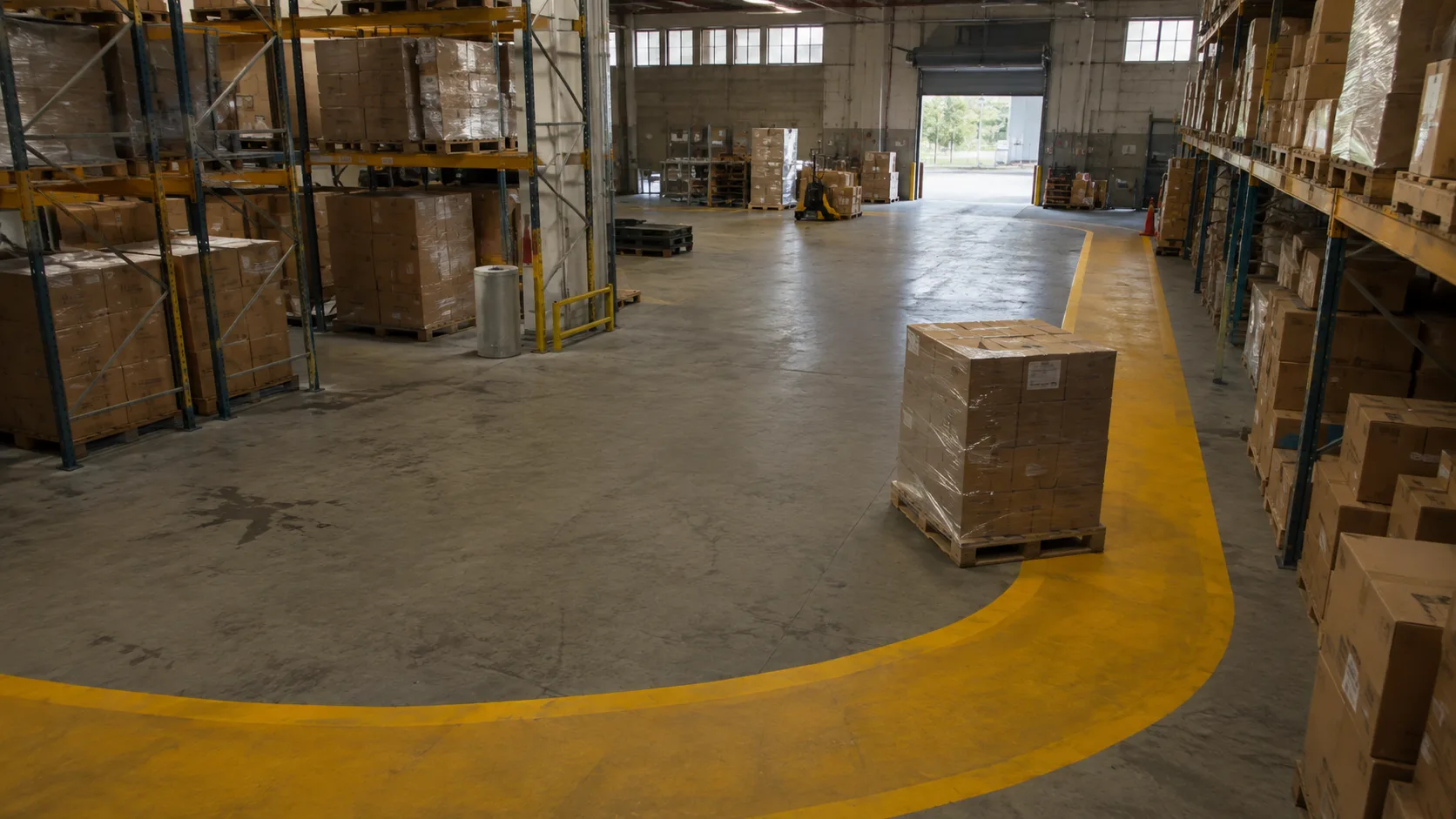
Illustrative commercial monitoring scenario

Commercial property

Review events across your cameras in one workspace.

Illustrative scenarios, not recordings of real incidents.

PLAN YOUR CAMERA DEPLOYMENT

Your cameras. Your deployment.

Budget your camera monitoring

Confirm your site and deployment needs, then request a license quote.

AI monitoring pricing

Try it free on 4 cameras.

Try it for 14 days with the cameras you have. We check your gear and help you set it up.

  1. We check your cameras and computer.
  2. If it works, you get a 14-day license and setup help.
Download desktop software
Apply for free pilot

Only your email is required. No credit card.

Additional details (optional)

We will only contact you about this trial. We will not add you to a general ad list.

FAQ

Common questions.

More questions, answered
Will my cameras work with it?
Watch needs a reachable, decodable RTSP video stream; ONVIF helps discover supported cameras. Validate the exact camera model, stream settings, network path, and target hardware before purchase.
How does pricing work?
Apply for a free trial first to confirm camera compatibility and deployment needs. We will quote based on your camera count, site, and support requirements.
Is my footage uploaded anywhere?
With local inference, footage can remain in your environment. Enabling a remote model sends sampled frames to that provider; external alerts may also send event details and images. Review model and alert settings before deployment.
Does this replace my staff?
No. AI watches the video and finds problems. A person still decides what to do.